
Google Play Store
Google Play Store is Google's digital distribution platform for Android, used to find, install and update apps, games and books.
101.1 MB

3.5.3.2075 · iRoot Technology Ltd. · Page updated
iRoot is a free Android utility from iRoot Technology Ltd. that tries to gain root access on a phone. The current version is 3.5.3.2075.
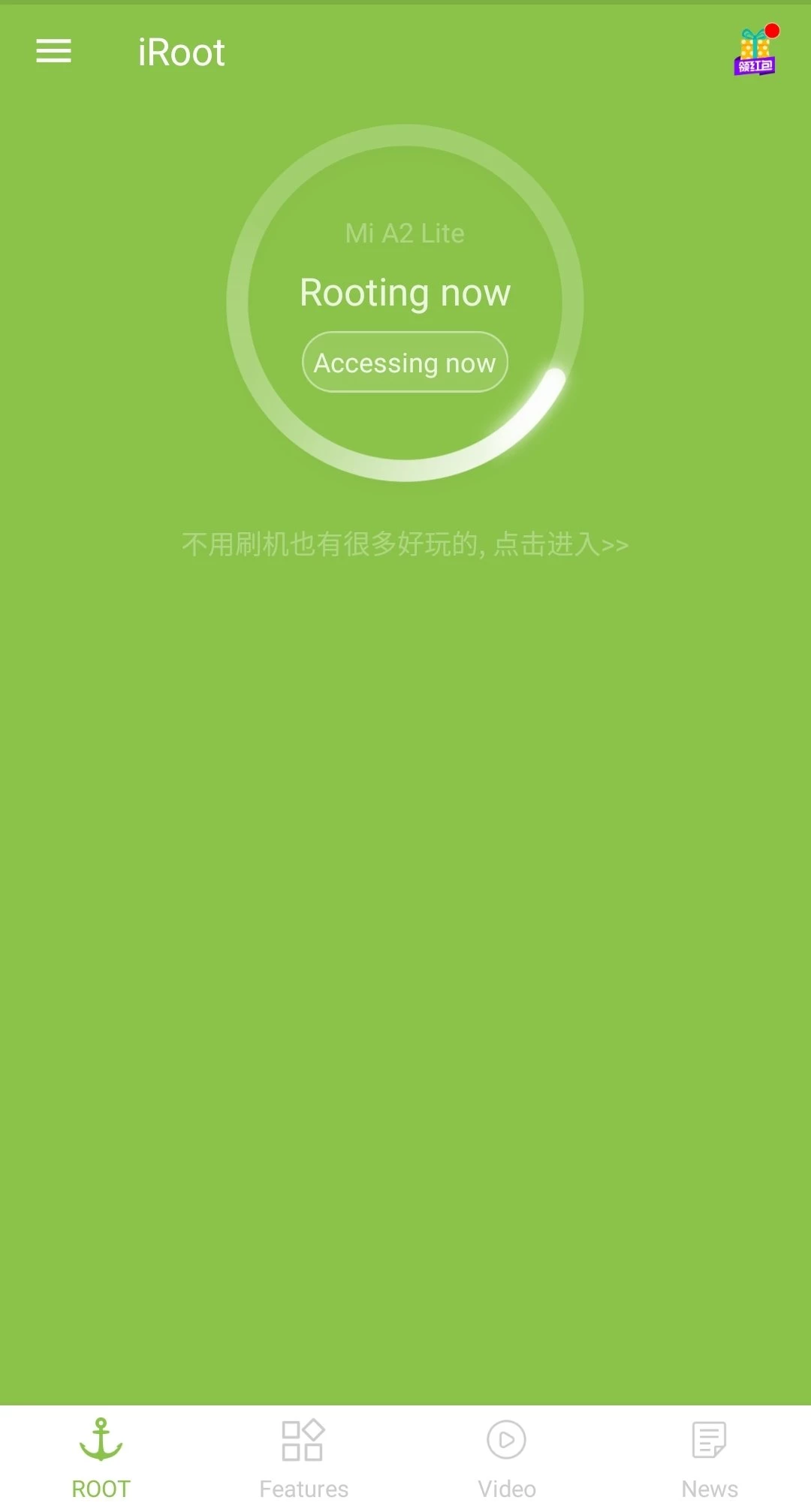
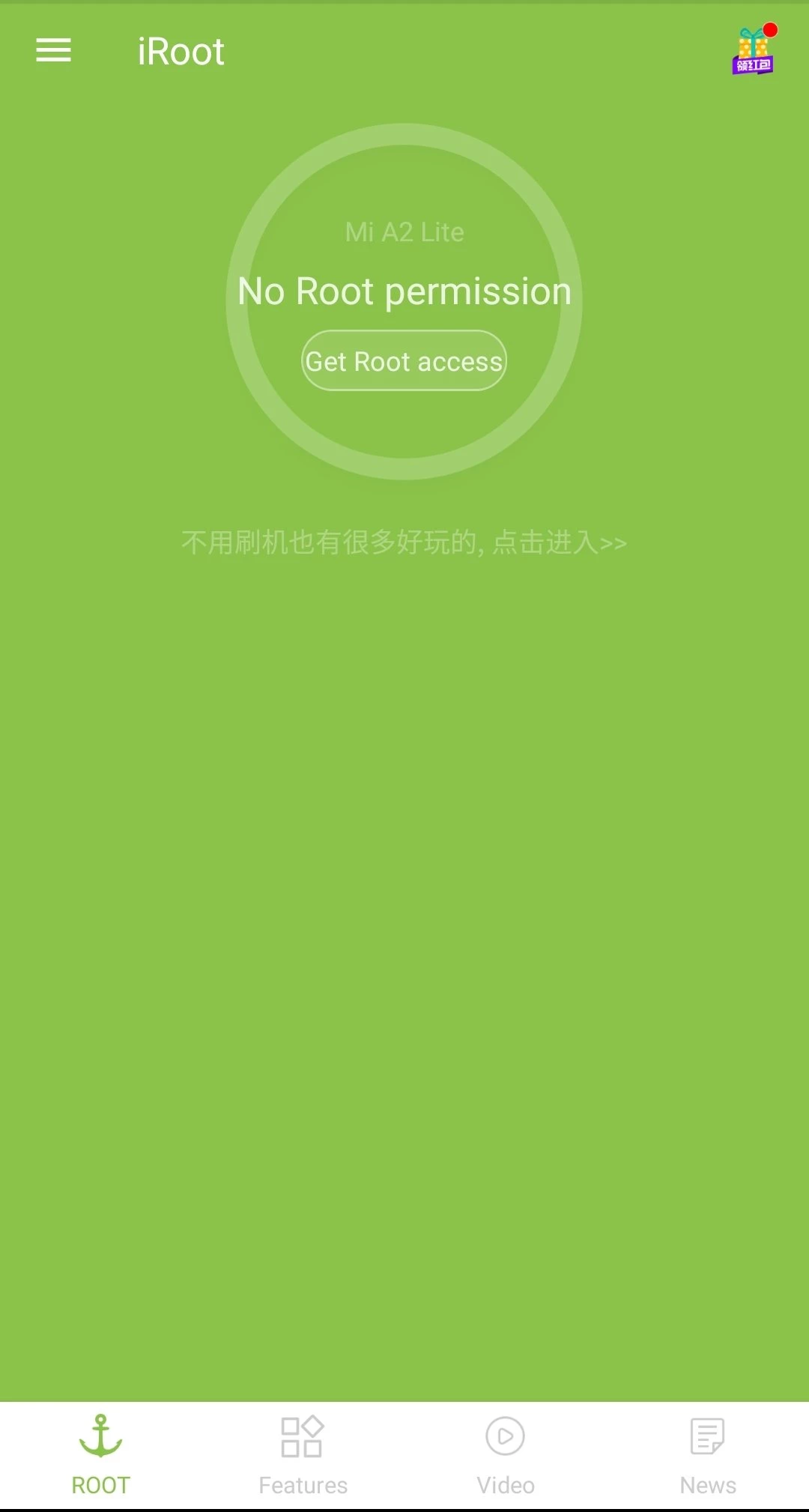
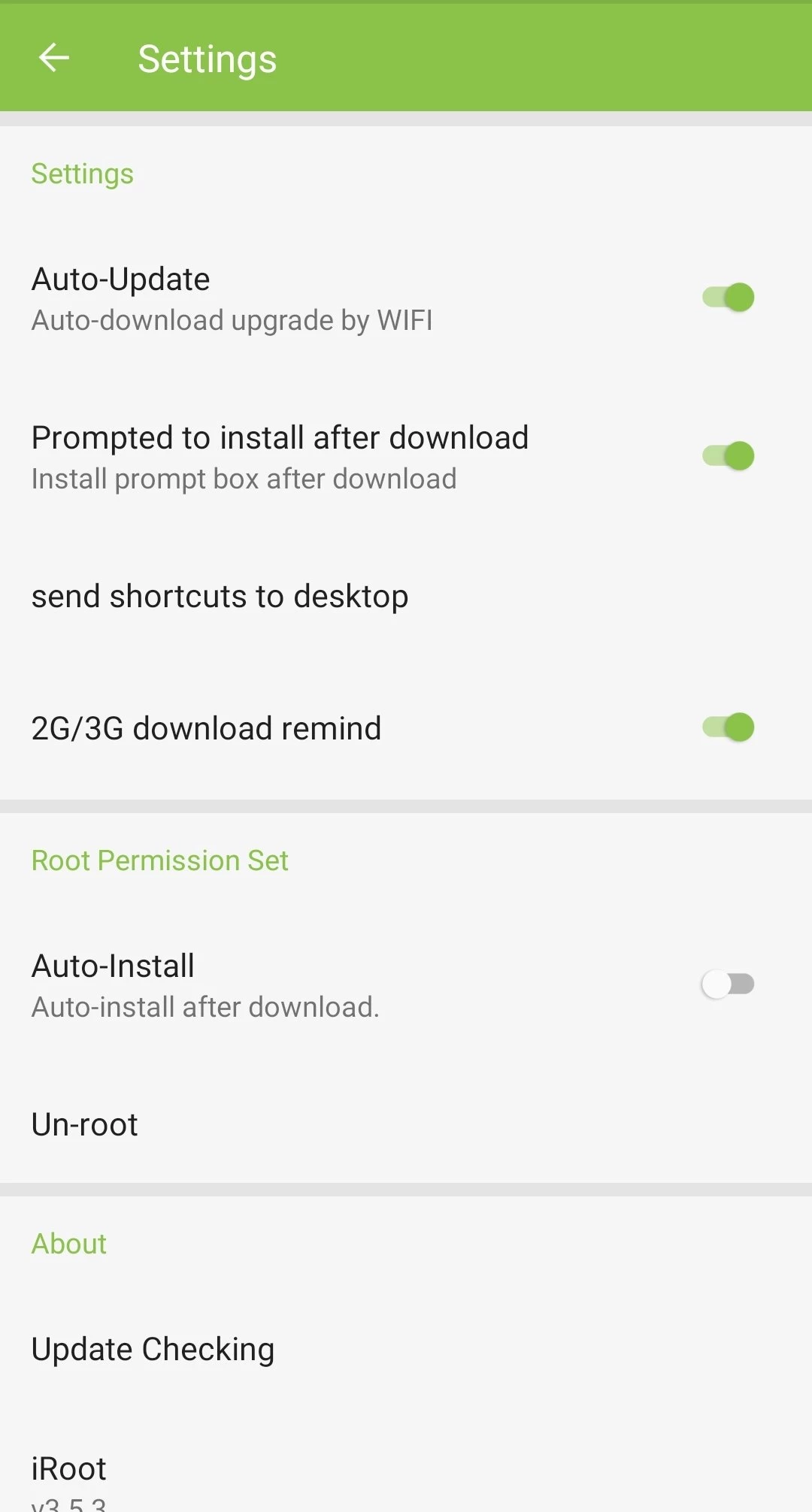
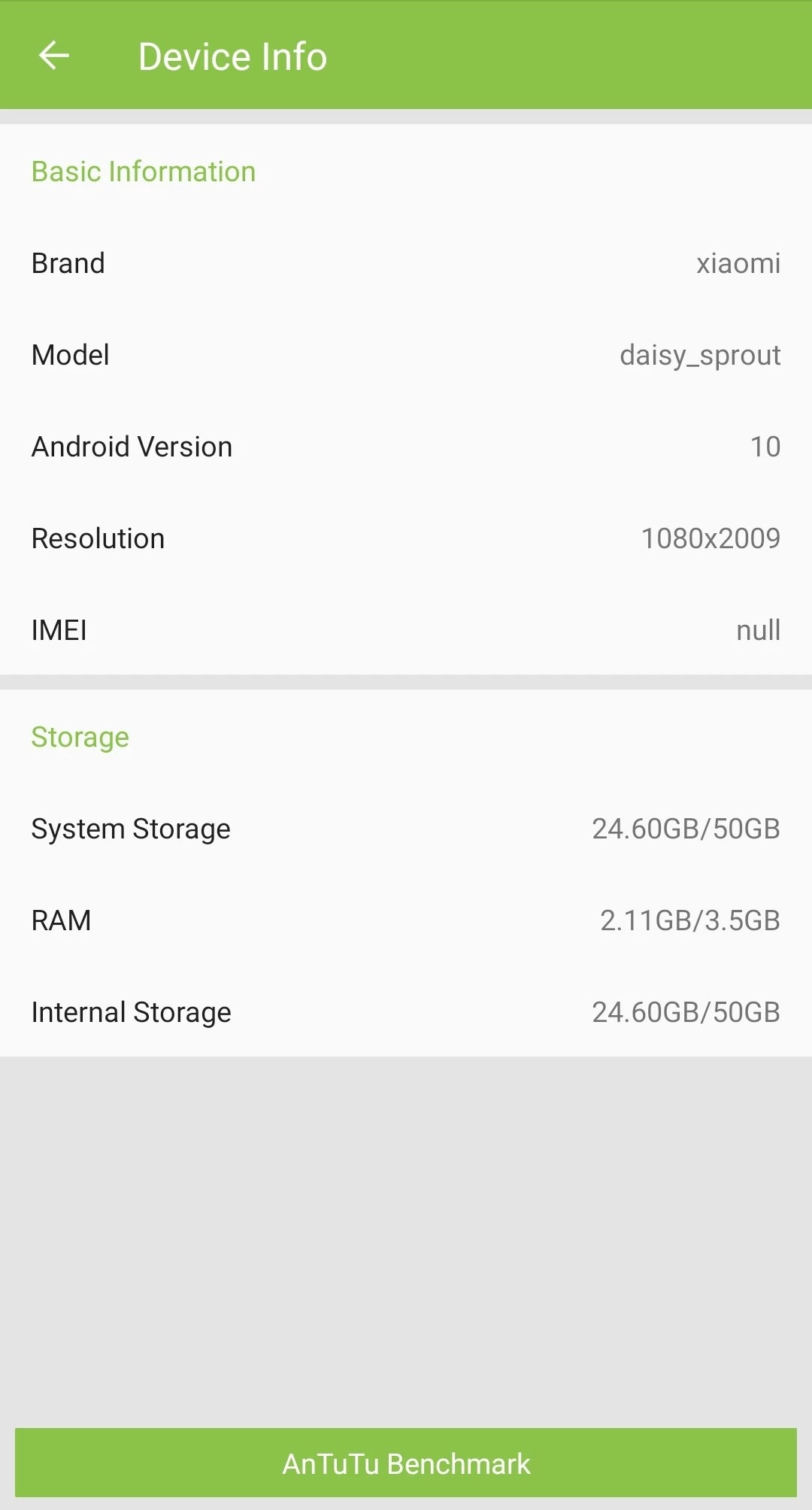
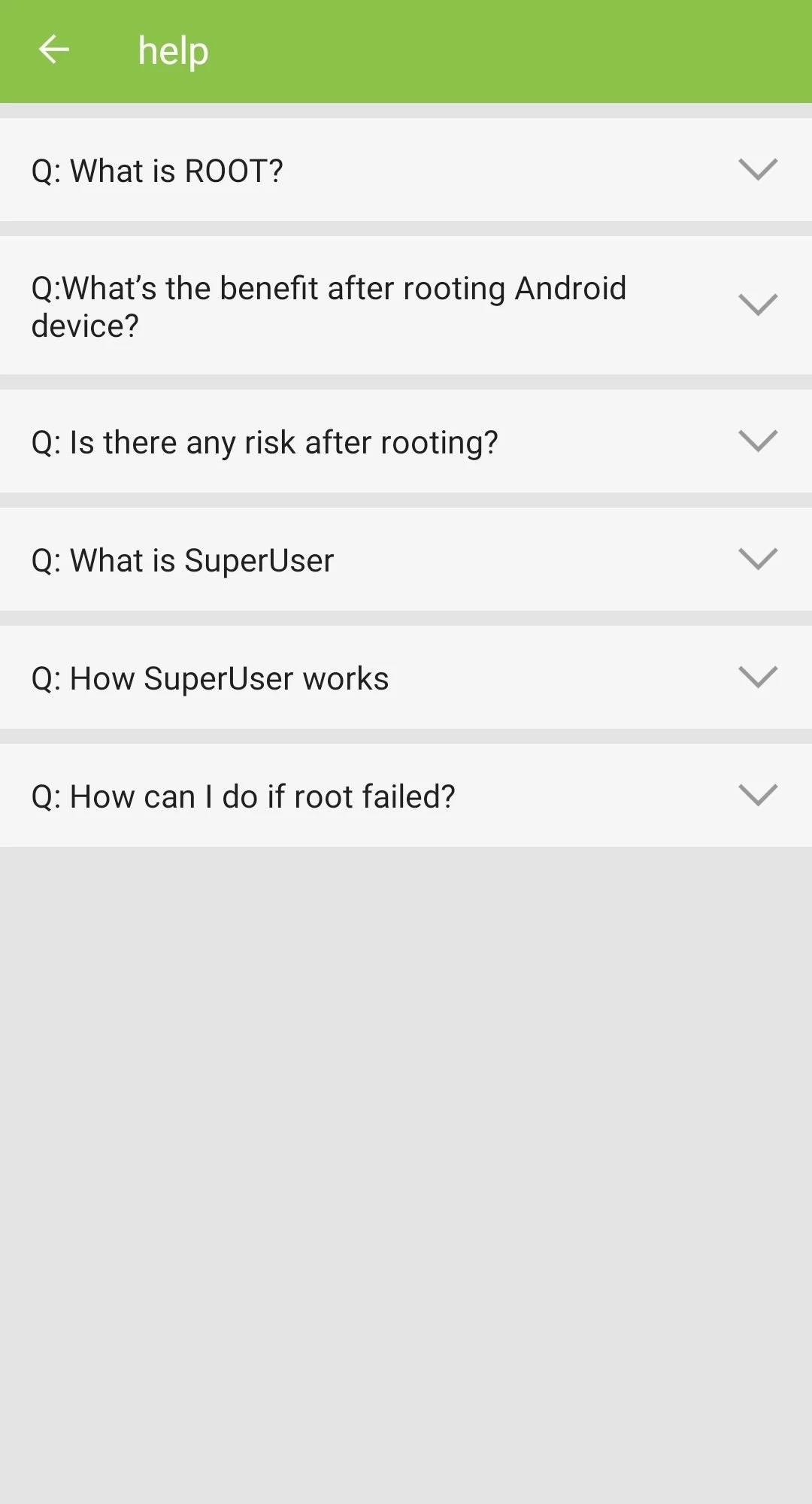
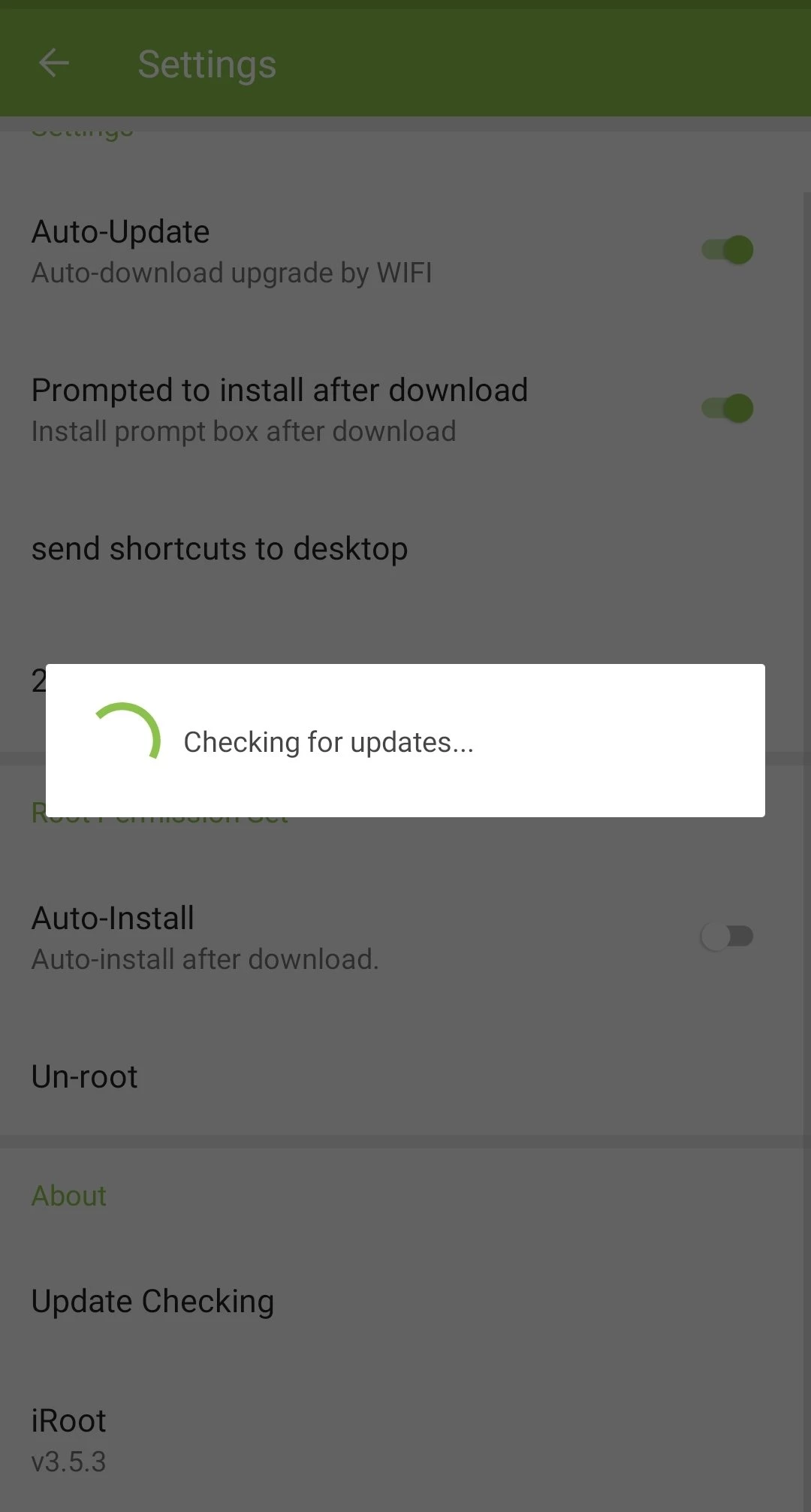
iRoot 3.5.3.2075 is a free Android utility from iRoot Technology Ltd. that tries to root a phone, meaning it attempts to give you full administrator access to the system. According to catalogue data, the APK is about 13.73 MB, and it is not available on Google Play; this version is dated 21 September 2026.
Rooting is not for everyone, so this page focuses on the questions worth answering before you press any button.
Android normally keeps the core of the system locked, even from the owner of the phone. Root access removes that lock. iRoot is a one-tap utility that tries to obtain it without connecting the phone to a computer or unlocking the bootloader by hand. If it succeeds, apps that need root can change system files, remove preinstalled software, make full backups or adjust settings the manufacturer hides. Whether it works depends heavily on the phone model and its Android version: tools like iRoot rely on weaknesses in specific builds, and phones with recent security patches are usually no longer affected. That is why the honest answer to “will it root my phone?” is always “try it and see”, after taking precautions.
Take the APK only from the official site, and even then rooting carries real risk: the tool gets full control over the system, and so does every app you later grant root access. Rooting can also void the warranty and block system updates. A failed attempt can leave the phone in a boot loop, and a rooted phone is easier for malware to abuse because the usual system protection is gone. Banking and payment apps may refuse to run on a rooted device. Back up your photos, contacts and chats before you begin.
Nothing is lost if iRoot simply reports failure: the phone stays as it was, and you can uninstall the app. Do not keep retrying a dozen times in a row. If a restart loop appears, most phones can still be brought back through the recovery menu with a factory reset, which is exactly why the backup matters.
Many manufacturers treat rooting as grounds to refuse warranty repairs. Check your manufacturer's policy first, especially on a new phone.
Yes. The app is freeware and does not ask for payment.
An Android phone with enough charge and free space for the app. There is no official compatibility list in our data, so the only reliable test is the phone itself.
After any rooting attempt, Root Checker tells you in seconds whether root access actually works.
Google Play Store is Google's digital distribution platform for Android, used to find, install and update apps, games and books.

APKPure is a third-party app marketplace for Android that installs apps from APK files outside Google Play. This page covers version 3.20.7803.

Aptoide is an open-source alternative app store for Android, running since 2009. This page covers version 9.22.5.3.

Test DPC is a sample device policy controller for Android Enterprise, used by developers and IT administrators to test work profiles and management policies.

QuickShortcutMaker is a small Android tool for creating home screen shortcuts to specific screens of installed apps, including hidden settings.